
A reach just short of the ledge
A rope-secured adventurer stretches toward the top of a stone wall while a companion and dog wait across the gap. Use the scene as an illustration of a capable attempt falling narrowly short.
DM & session
One unit short.
A real failure.
A moment worth narrating.

A narrow miss with a clear cause
Keep the ruling intact while giving the character's effort a fair explanation.
A rope-secured adventurer stretches toward the top of a stone wall while a companion and dog wait across the gap. Use the scene as an illustration of a capable attempt falling narrowly short.
Describe what nearly worked, the precise breaking point and why it mattered. Keep any useful information, position or momentum modest enough that the objective remains unachieved.

An attempt witnessed at court
An elf presents a case before a court while a grey-haired woman opens a golden gate. Nearby witnesses listen, and a man holds a rolled map.
Add the location, stakes, opposition and witnesses to explain why a capable attempt narrowly failed. Choose what others see and what stays private.
What you can shape
Prepare narration for the exact one-unit failure already established at your table.
Describe an action already ruled to have failed by exactly one. Keep the objective unachieved while preparing its narration.
Choose the type of attempted action and the tone of the moment. Shape how the narrow miss sounds at your table.
Add the character's experience and what they did well. Explain a credible shortfall without making a capable character inept.
Show where the attempt slipped away and why the missing unit mattered. Keep the cause clear.
Supply the location, stakes, opposition and who saw the attempt. Ground the moment in its surroundings.
Choose the modest information, position or momentum that remains. Keep that value separate from the failed objective.
Choose whether a different approach is available and a detail to revisit later. Keep another attempt optional.
Lock useful sections, reroll selected details and edit with undo and redo. Revisit recent results during the desktop session.
Copy individual sections, the complete Dungeon Master narration or the player retelling. Review the selected material for your audience.
Download the result as JSON or print the scene. Copy or export material you want to retain after the desktop session.
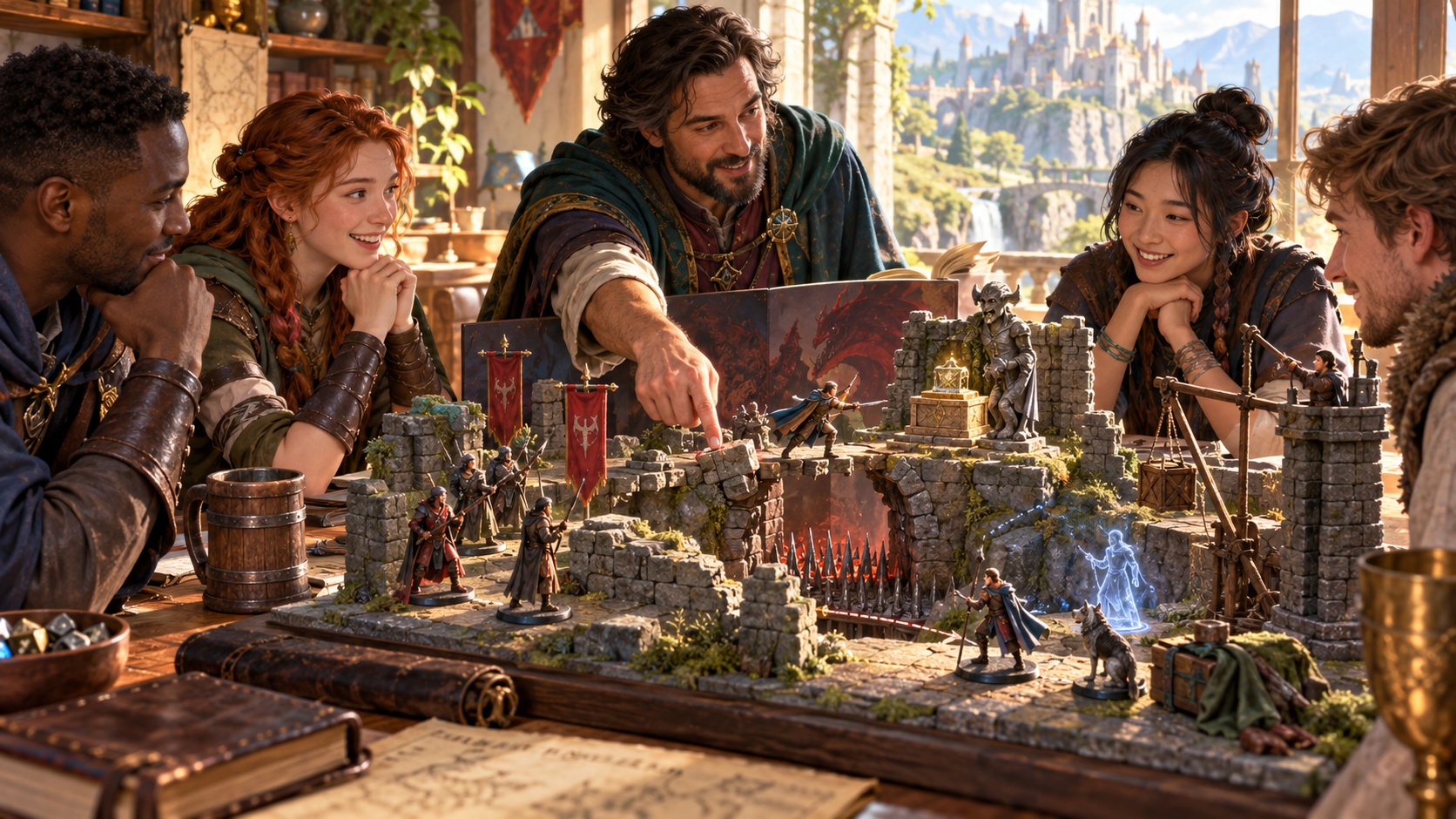
A tabletop scene at the edge of success
Friends gather around a miniature ruined fortress. A figure reaches across a spike-filled gap while the group considers the scene.
Describe the attempted action, choose its type and tone, then add the character's competence, pressure and stakes. Keep the exact failure point and bounded remaining value together.
Quick narration. Deeper context.
Bring only the detail your table needs for the moment.
Start with an action already ruled to have failed by exactly one. Describe the attempt and choose its type and tone.
Add competence, location, stakes, opposition, the kind of failure point and who witnessed it. Identify what nearly worked.
Shape the information or position that remains and whether another approach is available. Keep the failed objective separate from that value.
Add private context and a detail to revisit later. Lock useful sections, reroll selected details and edit with undo and redo.
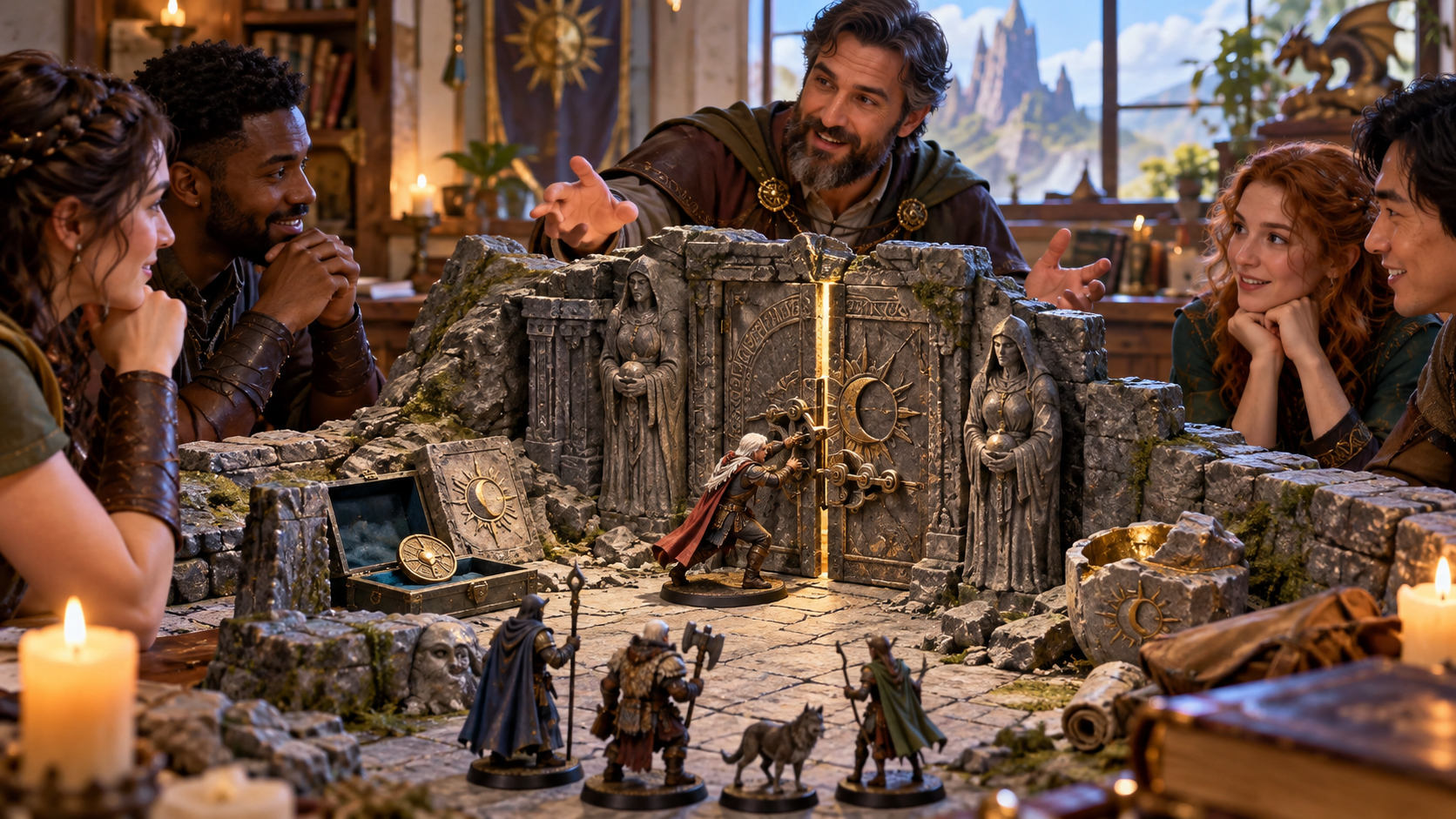
A narrow seam in a heavy door
At a gaming table, a miniature figure pushes against a heavy stone door with a narrow golden-lit seam. Party miniatures wait outside, with treasure resting to the left.
Prepare read-aloud narration, what remains useful, an optional follow-up and a later reference. A small opening in the story can leave the original failure intact.
Session references and export
Copy or export material you want to retain beyond the current desktop session.
Keep near success, narration, the failure point, its explanation, bounded remaining value and what witnesses see together.
Revisit recent results during the current desktop session. Lock useful sections, reroll details and edit with undo and redo.
Copy individual sections, the full Dungeon Master version or the player retelling. Review the chosen material before sharing it.
Download the result as JSON or print the finished scene. Use a copied or exported reference when you want to retain it beyond the session.
Your desktop and related products
Open products through your account and bring selected material to your table.

Open your VISINVOKE products through one signed-in Windows desktop workspace.
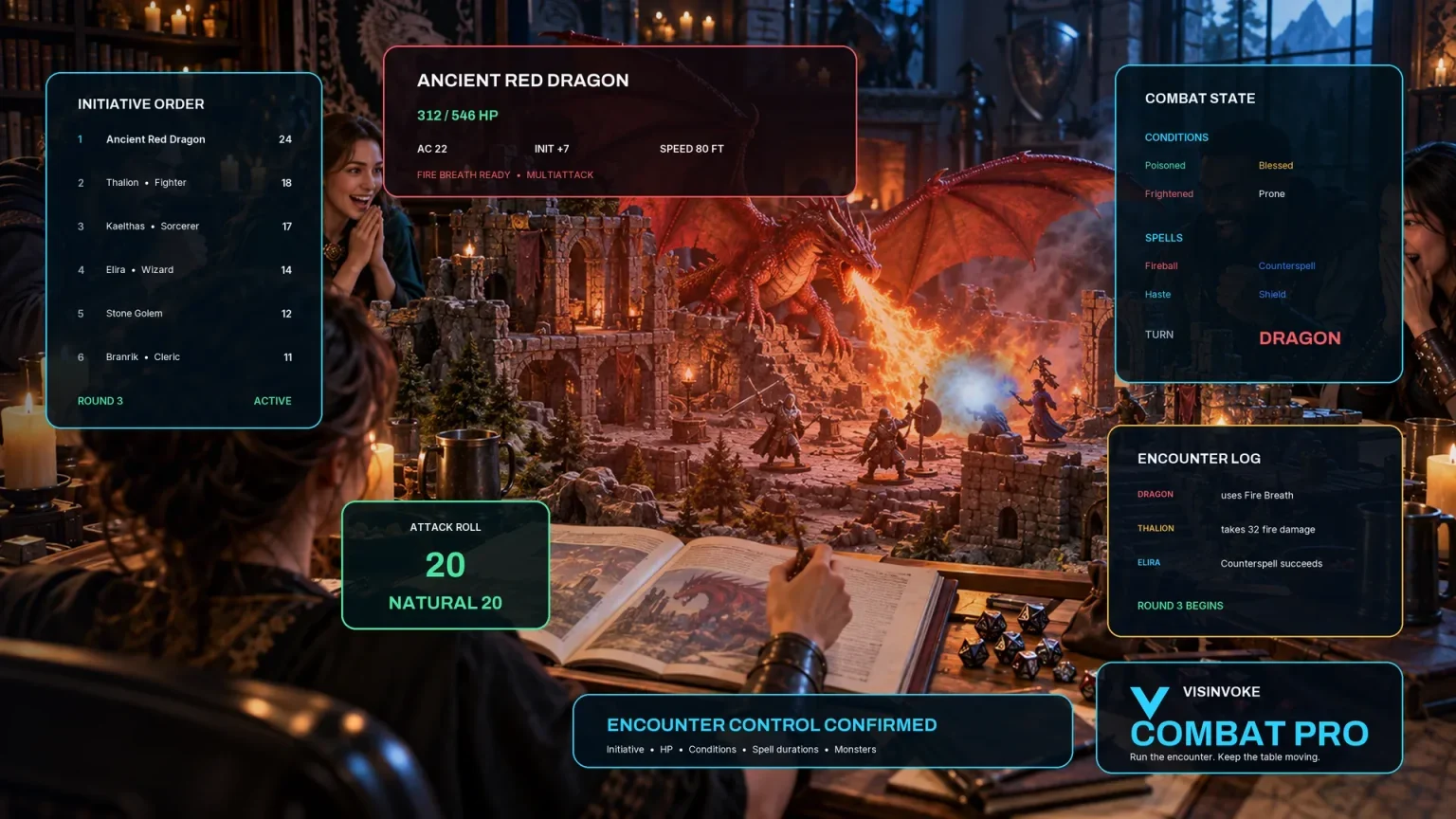
Use the dedicated encounter workspace for combat while keeping narrow-failure narration among your table references.
Artwork illustrates fictional scenes, tabletop play and related products, not application screens.
Questions and answers
The ruling, context, remaining value, revisions and export at a glance.
Narration for an action already adjudicated to have failed by exactly one unit. It explains the near success, exact failure point, cause, limited remaining value, what witnesses see and an optional follow-up.
The objective remains unachieved. The generator describes the known ruling and shortfall, with only modest remaining information, position or momentum. It does not recalculate the margin or resolve a whole quest.
Describe the attempted action and choose its type and tone. For deeper preparation, add competence, location, stakes, opposition or pressure, the failure-point kind and witnesses.
Choose how much limited information or position remains, whether another approach is available, what stays private and how strongly the moment may be referenced later. Review the result before using it.
Lock sections, reroll selected details and edit with undo and redo. Revisit recent results in the current desktop session. Copy, export JSON or print material you want to keep beyond that session.
Open the Generators collection in Desktop Control Centre on Windows through your VISINVOKE account. Review individual subscription access and current pricing in your account. A free account is separate from paid generator access.
Continue in VISINVOKE
Create a free VISINVOKE account or sign in to your existing account. Get Desktop Control Centre through your account installer page.
Open the Generators collection on Windows. Review current subscription and access details in your account.